
YMusic
K.Dev
April 1, 2026
8.39 MB
3.9.23.1138
Android 5 or up
10M+

Images
Description
YMusic by K.dev is a powerful YouTube video and audio player that lets you play both online and downloaded media in the background. This lightweight, all-in-one app also allows you to save videos and songs in different qualities on your mobile, so you can play them later without an internet connection. You can download the YMusic APK for your Android phone and listen to your favorite music, podcasts, watch news, and dramas while multitasking.
What is the YMusic App?
It is designed to let you stream and download YouTube content in audio or video format. Unlike the regular YouTube and YouTube Music apps, which include subscriptions and annoying advertisements, it focuses on fewer ads, background playback, and offline access. It is downloaded by millions of people, mostly from Indonesia and India, because it helps save mobile data and battery by reducing trackers and pop-ups.
However, if you want to remove all the ads, you can donate $0.86 to the developers and access the premium version via the Play Store.
Key Features
1) User-Friendly Interface
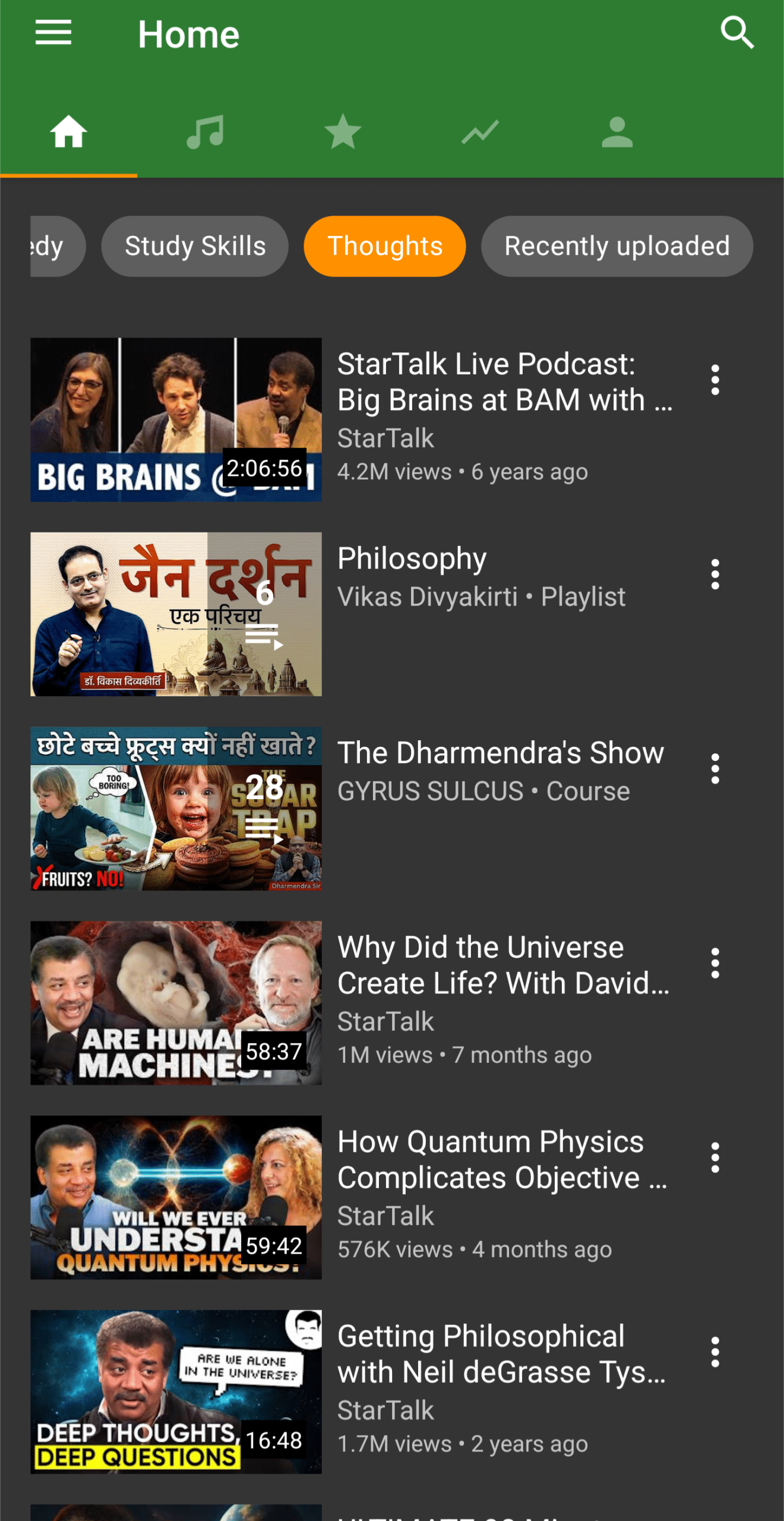
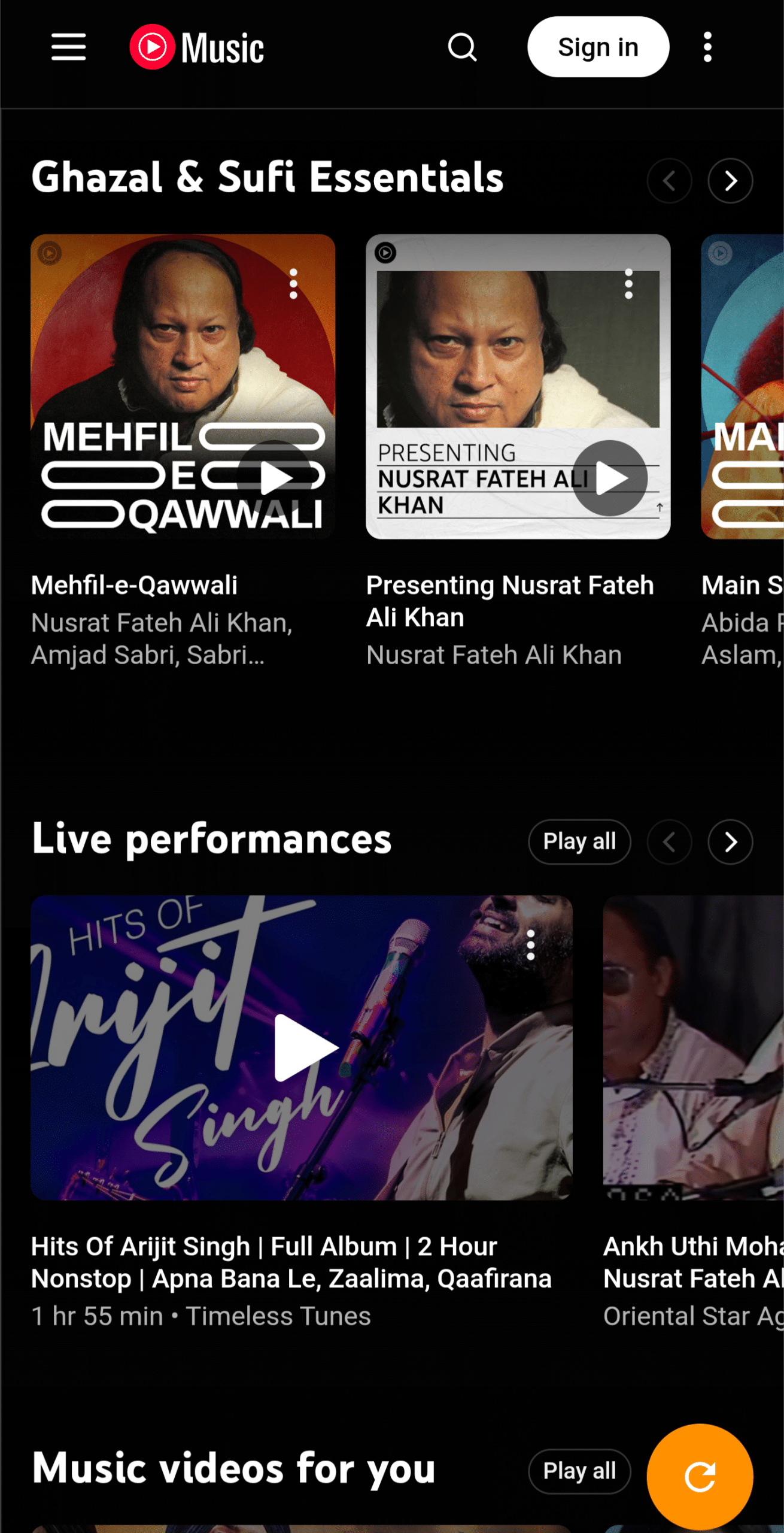
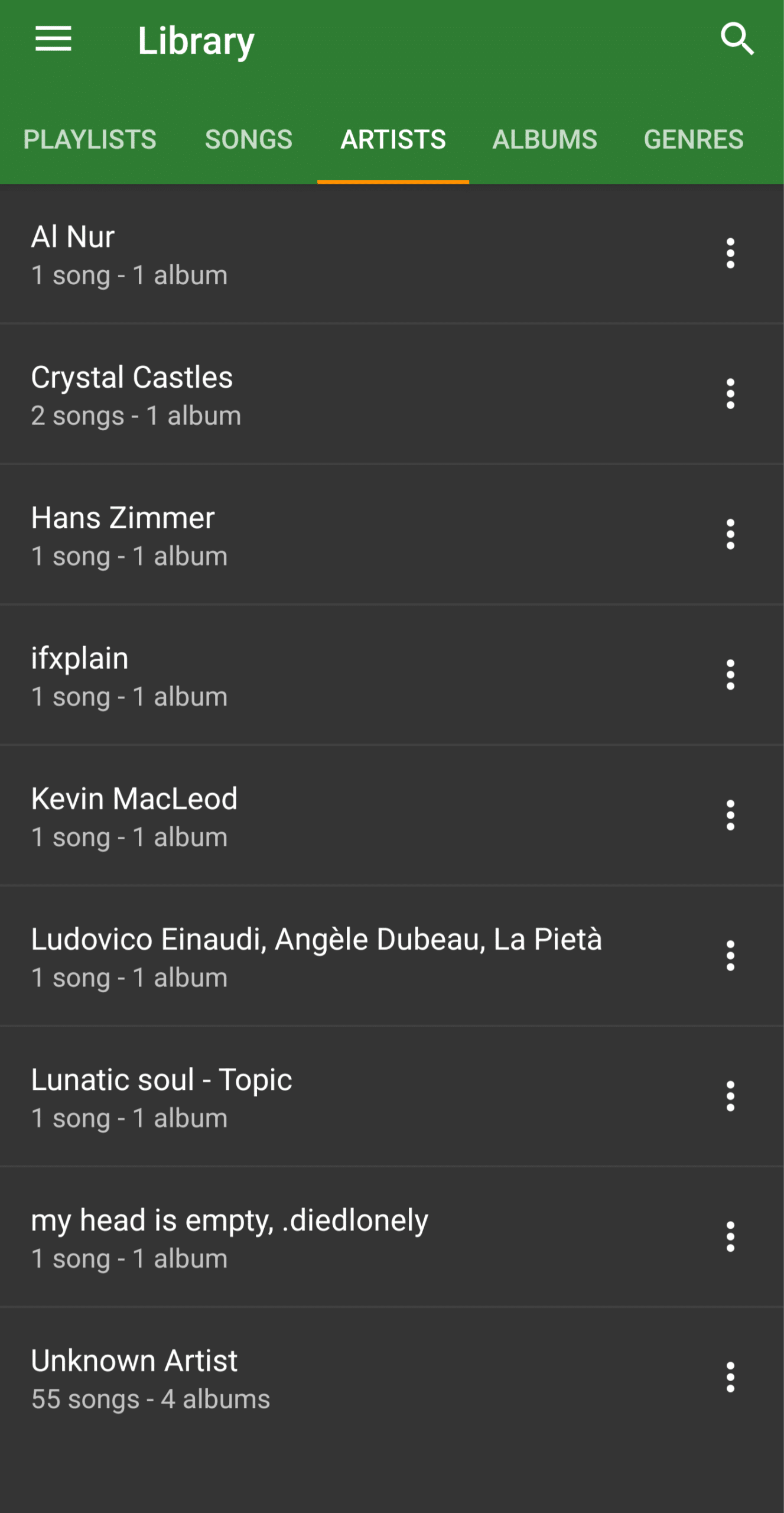
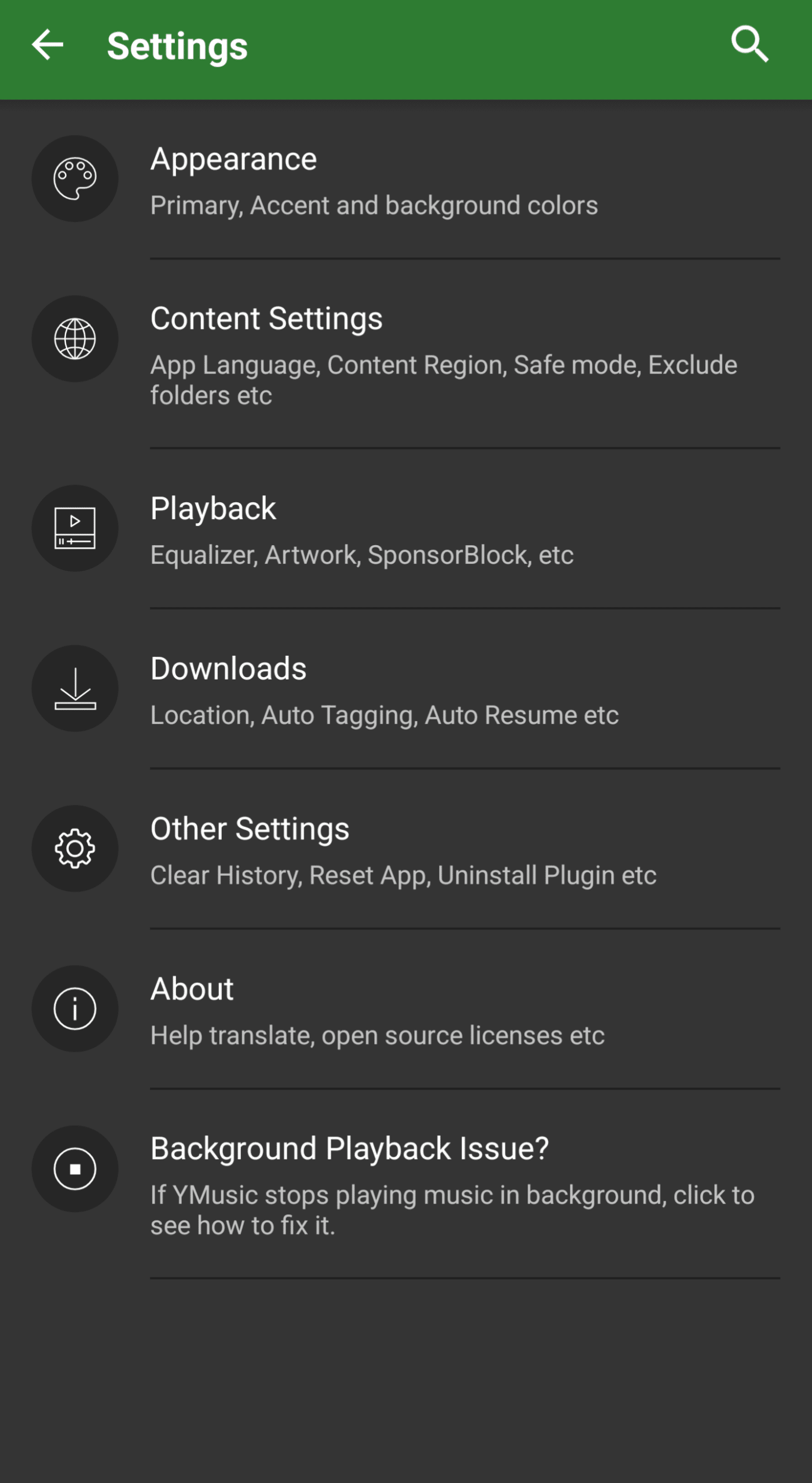
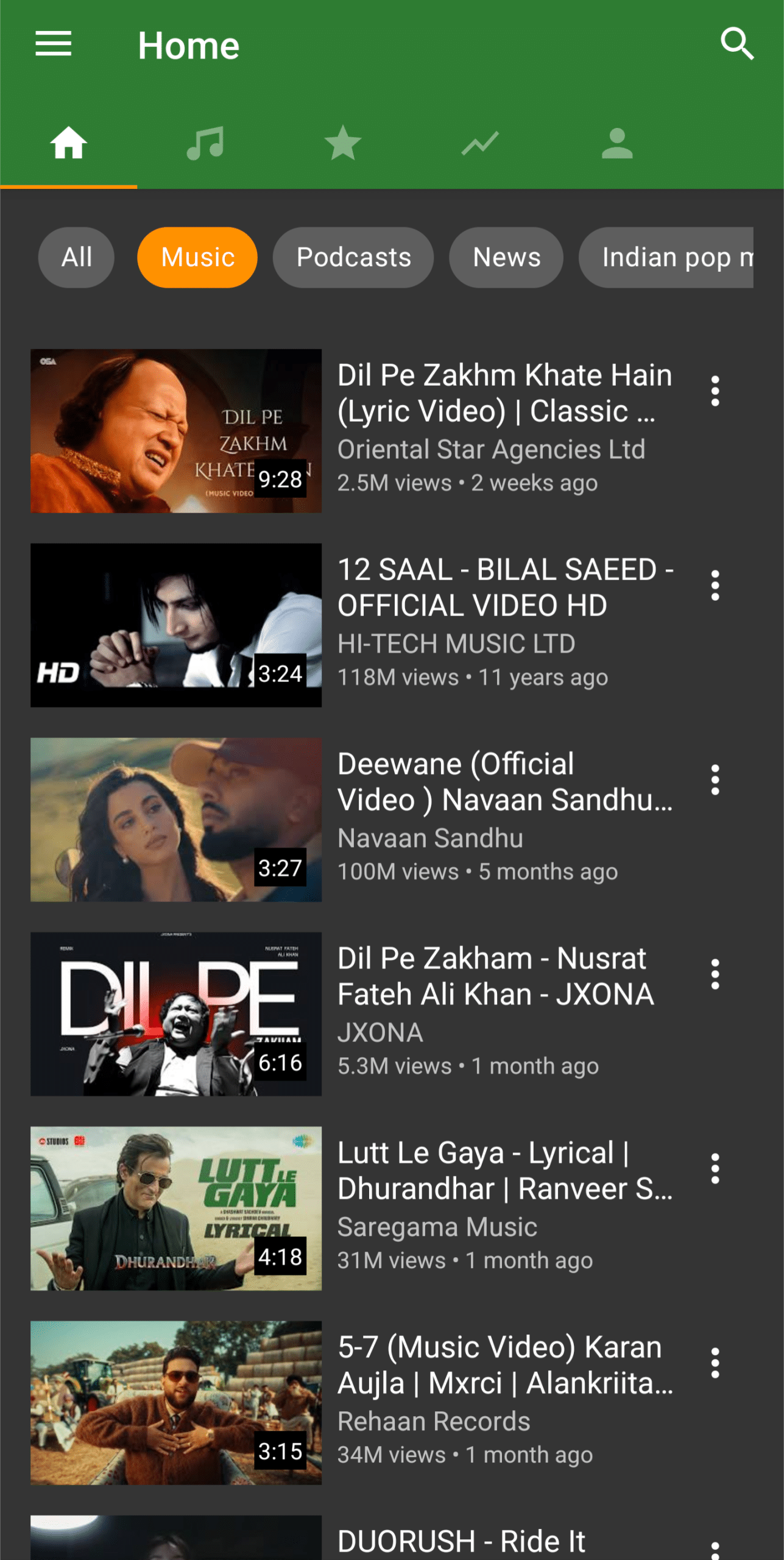
It has a simple and intuitive design that you can easily customize from the settings. All options, including Discover, Library, YT Music, downloads, and playlists, are easy to navigate, which makes it suitable even for first-time users.
2) Lightweight and Optimized
YMusic APK is lightweight, which means it uses minimal storage and runs smoothly even on older or low-end Android devices. It also consumes less RAM and battery compared to other media apps.
3) Quick Search and Navigation
This app has a fast search feature with suggestions based on what you are typing. You can search with artist name, playlist, keywords, or title without leaving the app, which saves time and makes browsing smoother.
4) Playlist Creation and Management
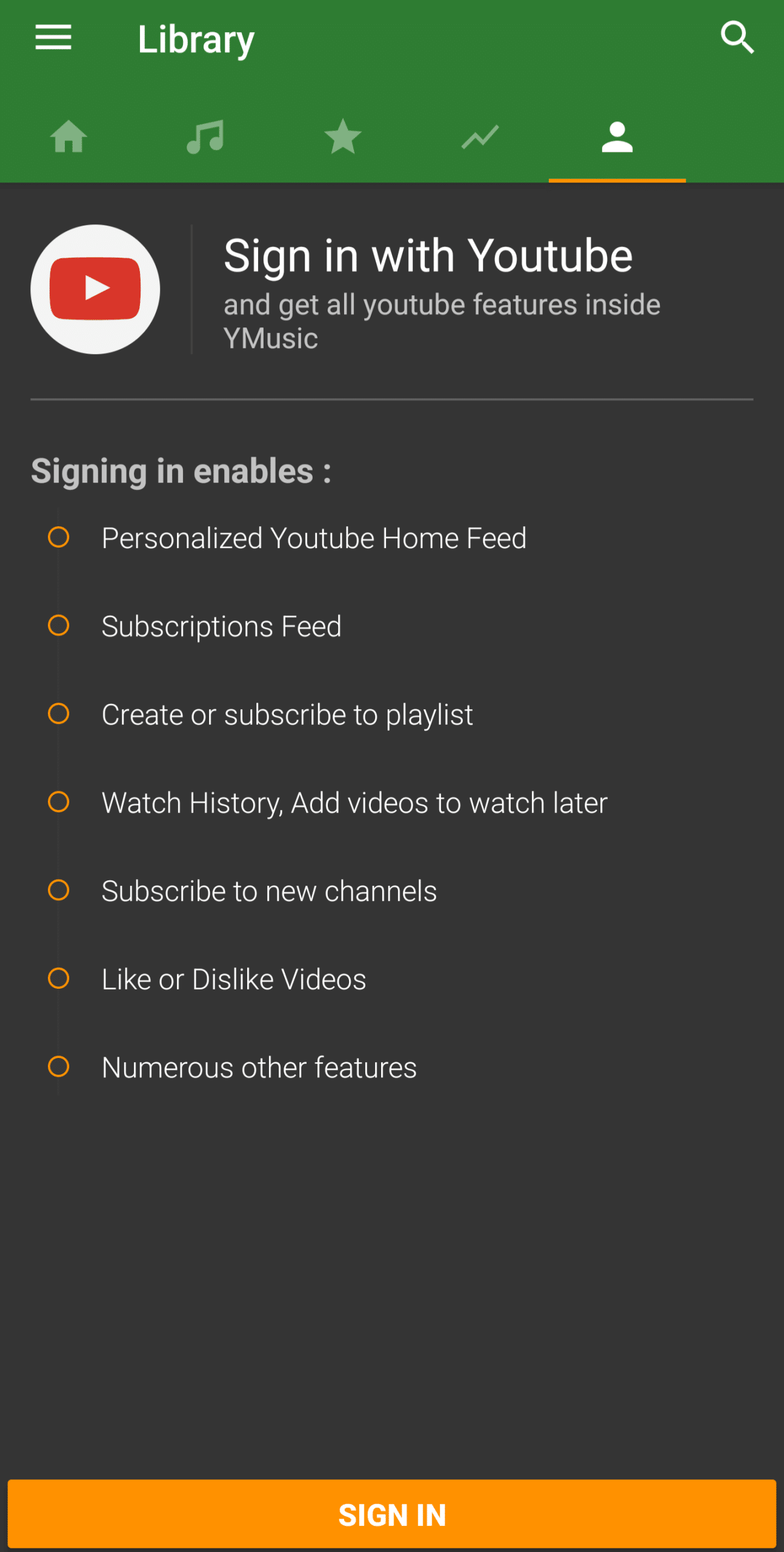
You can sign in with your Google account and create/manage custom playlists online and locally. This feature makes it unique from other apps because you can organize your favorite songs, podcasts, and videos into different playlists, such as one for YouTube, while others are for your offline use.
5) Advanced Media Player
The built-in media player stands out from other apps because it comes with several unique features. First, when you open a video, only the media screen and player controls appear—nothing else. This saves your device’s resources and keeps you focused on what you want to watch or listen to. Second, you can choose the video quality and even pause the video to play only the audio, which helps save data.
Finally, you can access advanced video and audio features by clicking the top-right corner of the screen. You can separately load video details and comments, add videos to your YouTube playlist, or search for lyrics on Google without typing manually. Additionally, you can reload the player, use Poweramp/MusicFX Equalizer, and adjust the pitch and speed. There are more customization options, such as automatically pausing music when other apps make sound or keeping music playing in the background, pausing only during phone calls.
6) Built-in Download Manager
This app comes with its own download manager and does not rely on any third-party apps. You can select the video quality, audio bitrate, file format (MP3, AAC, M4AMP4), and subtitle language according to your preference. This helps you manage storage while keeping videos on your phone. If you run low on storage, you can choose a lower resolution; otherwise, the choice is yours.
7) Offline Playback
If your friend shares a music file or you download one from the internet, you can locate and play it offline with just one click, without digging through multiple folders in the file manager. This shows that the app is designed for your convenience.
8) Background Playback
Y Music supports background playback and picture-in-picture mode, allowing you to multitask easily, such as browsing the web or chatting while watching videos or listening to your favorite music or podcasts.
9) Multi-Language Support
It supports 31 languages, including English, Arabic, Bengali, Chinese Simplified, Chinese Traditional, Croatian, Czech, Dutch, French, Japanese, German, Greek, Hebrew, Hindi, Bahasa Indonesia, Hungarian, Italian, Kannada, Korean, Malay, Nepali, Polish, Portuguese, Romanian, Russian, Serbian, Somali, Spanish, Turkish, Ukrainian, and Vietnamese. You can also choose your region to get personalized recommendations.
How to Download/Install YMusic APK on your Phone?
Installation is pretty straightforward, like other apps. First, you need to download the APK from the above download button, then follow these steps.
- Go to your phone settings and enable Unknown Sources.
- Open your File Manager and navigate to the Downloads folder.
- Tap on the YMusic APK file to start the installation.
- Confirm the prompt and tap Install.
- Wait for the installation to complete.
- Open the app from your app drawer and enjoy.
Why are people looking for Older Versions?
After the introduction of Android 16, the Play Store prefers apps that support the latest SDK for security improvements and fixes. However, some older Android versions, such as Android 5, may become incompatible. Since this app is useful for older devices, many people search for the YMusic Old Version. I do not recommend it, but if your device is unsupported, it may be your last resort, or you can try out alternative apps.
Alternative Apps
- NewPipe: It is a lightweight app that lets you stream and download videos without ads or unnecessary tracking.
- TubeMate: It is widely used for downloading videos in different formats and resolutions.
- VidMate: It offers video downloads along with access to music and other media content.
- SnapTube: It supports downloading from multiple platforms with an easy-to-use interface.
- YouTube Music: It is the official app that provides music streaming, playlists, and offline listening with a subscription.
- VLC for Android: It is a reliable media player that can play almost all downloaded audio and video files offline.
Conclusion
Installing YMusic APK is a great choice if you are looking for a lightweight, fast, and responsive app that not only saves your data and time but also plays videos over other apps and music in the background without showing in-stream ads. Currently, it is only available for Android users, but if you are using an iPhone, you can try similar apps from the App Store. If you have any questions or issue related to this app, you can tell be through the report link showing below the download button.
What's new
- Fix the app not compatible with Android 34.
- Optimize for a better experience and lag-free music playing.